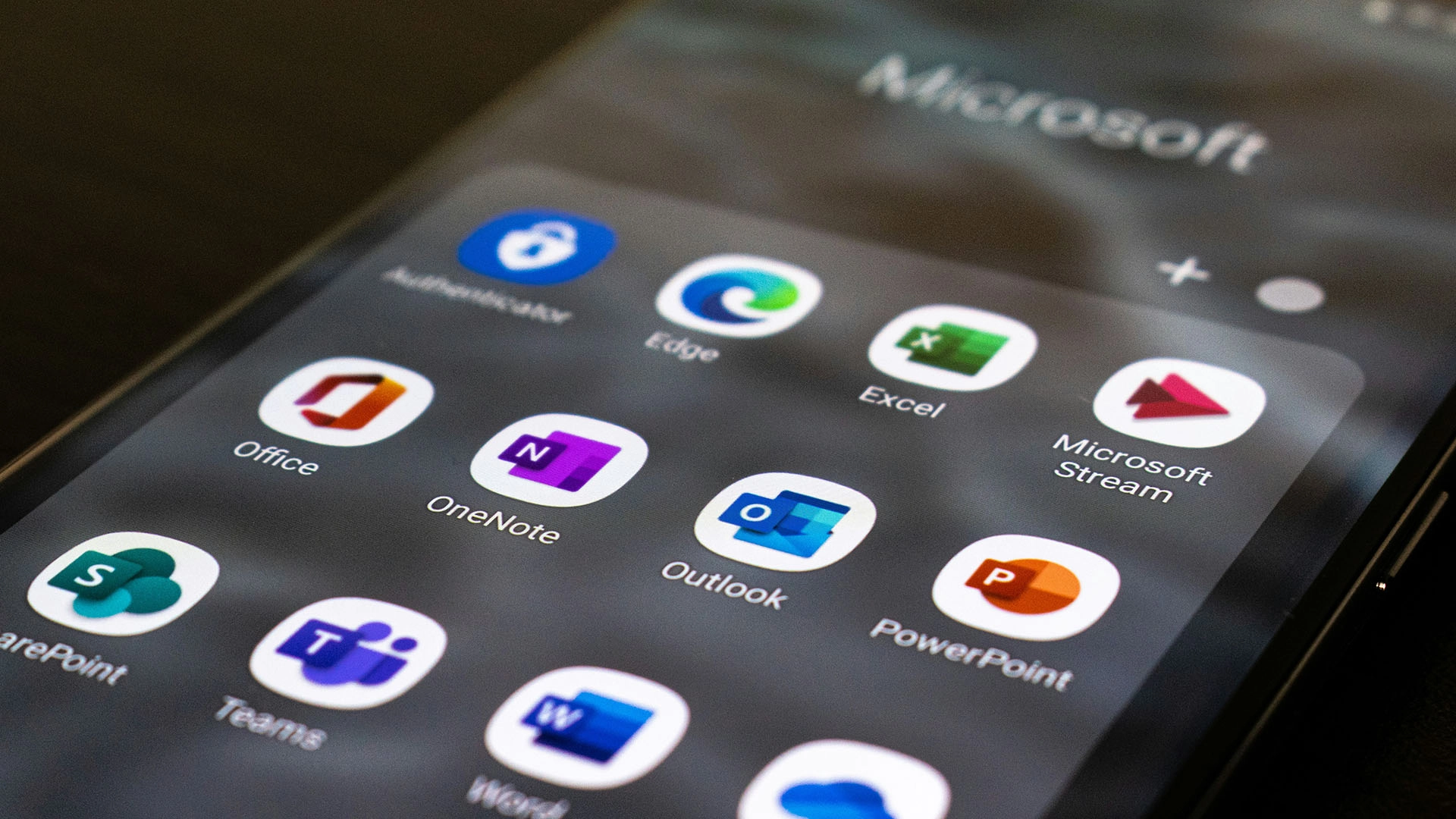
Image by Ed Hardie, from Unsplash
Microsoft Adds AI Assistant To Windows 11
- Written by Kiara Fabbri Former Tech News Writer
- Fact-Checked by Sarah Frazier Former Content Manager
Microsoft has launched a suite of AI tools for Windows 11, aiming to simplify system settings and upgrade app functionality for users.
In a rush? Here are the quick facts:
- AI features roll out first to Snapdragon-based Copilot+ PCs.
- New tools include Click to Do and improved Windows search.
- Photos and Paint apps get AI-powered editing features.
Microsoft has announced a new set of AI-based features for Windows 11. The most important update includes an AI agent that can modify settings on its own.
Users can type simple instructions like “make my mouse pointer bigger,” and the system will locate and apply the changes without further action from the user, as noted by Bleeping Computer . The new feature will launch first in English for Windows Insiders who use Snapdragon-based Copilot+ PCs before it becomes available on other devices.
Microsoft extends its “Click to Do” feature to enable users to execute actions from highlighted text or images. Users can prepare messages and set meetings and create Excel tables through this feature without needing to launch the respective applications.
Several apps are also getting upgrades. Users can now use the Relight tool in the Photos app to add virtual lighting effects to their pictures. Users of Paint will gain access to two new features: a digital sticker generator that uses text prompts, and an advanced selection tool for image editing. The Snipping Tool will gain enhanced screenshot control features, which enable users to extract text from images, and detect screen colors.
The updates will be distributed step by step to users who participate in the Windows Insider Program. The upcoming weeks will bring AI writing assistance to Notepad and phone integration to the Start menu as additional features.
The tools from Microsoft aim to boost everyday PC efficiency but the majority of features will begin with early-access testing for a small group of users.
Image by Gabriela Gonzales, from Unsplash
Fake ReCAPTCHA Attack Installs MacOS Malware On Thousands Of Devices
- Written by Kiara Fabbri Former Tech News Writer
- Fact-Checked by Sarah Frazier Former Content Manager
A new malware campaign is targeting macOS users through fake reCAPTCHA popups, tricking them into installing powerful data-stealing software.
In a rush? Here are the quick facts:
- MacReaper targets macOS users through over 2,800 compromised websites.
- Victims are tricked via fake reCAPTCHA into running Terminal commands.
- Attack installs AMOS malware to steal passwords, crypto, and files.
A large-scale macOS malware operation is targeting thousands of websites to spread dangerous malware to Apple users, as described in a research by Bad Byte .
The MacReaper malware scheme tricks users through deceptive security alerts, and uses blockchain functionality to steal passwords, together with credit card details, and cryptocurrency wallets.
When a macOS user visits one of the infected sites—such as a Brazilian news portal—they’re shown a fake reCAPTCHA window that asks them to click “I’m not a robot.” Once they do, a hidden script secretly copies a malicious command to the user’s clipboard.
The site then instructs the user to paste and run the command in Terminal. Doing so downloads and installs Atomic Stealer (AMOS), a piece of malware designed to extract a wide range of personal data.
AMOS allows attackers to gain control of passwords stored in macOS Keychain together with browser data from Chrome and Firefox as well as cryptocurrency wallets and system information and personal files. The attackers use Binance Smart Contracts, as part of blockchain technology, to hide their commands, making security tools ineffective at detecting or blocking the malware.
The scale of the attack is alarming. Bad Byte found more than 2800 compromised websites that belonged to different sectors including blogs, business sites, and news platforms. The researchers say that the majority of website owners remain unaware that their platforms serve as malware distribution channels.
To protect yourself, the researchers suggest avoiding executing Terminal commands from untrusted sources, particularly if prompted by a suspicious CAPTCHA .
This campaign highlights the growing sophistication of cyber threats against macOS users and serves as a stark reminder that Apple’s ecosystem is not immune to targeted attacks.
