
Image by Freepik
AI Jesus Takes Confessions In Swiss Chapel
- Written by Kiara Fabbri Former Tech News Writer
- Fact-Checked by Sarah Frazier Former Content Manager
A Lucerne chapel uses an AI Jesus avatar for confessions, sparking debate over technology’s role in faith and pastoral care.
In a Rush? Here are the Quick Facts!
- The AI speaks 100 languages and opens with a safety disclaimer.
- Deus in Machina was developed with Lucerne University’s Immersive Realities Lab.
- Two-thirds of users reported a spiritual experience after using the AI confessional.
In Lucerne, Switzerland, a chapel has introduced an unconventional confessional experience where an AI, designed with the likeness of Jesus, takes the place of a traditional priest, as reported on Monday by Deutsche Welle (DW).
The AI, capable of speaking 100 languages, is part of an installation called “Deus in Machina”.
It was developed by the church in collaboration with the Immersive Realities Research Lab at the Lucerne University of Applied Sciences and Arts. The initiative aims to explore how technology can intersect with spiritual practices, as previously reported by SWI .
Marco Schemed, a theologian at the chapel, explains more about the project, saying to DW: “What we are doing here is an experiment. We wanted to launch the discussion by letting people have a very concrete experience with AI. That way we have a foundation for talking about it.”
He also sees potential for AI in pastoral care, citing its accessibility. “It’s easy, 24 hours a day. So, it has abilities that pastors don’t,” he adds to DW.
However, the initiative has drawn criticism. For example, Peter G. Kirchschlager, a theologian and philosopher at Lucerne University, expressed reservations about its implications.
“We should be careful when it comes to faith, pastoral care, when finding meaning into religion,” Kirchschlager warns. “That’s an area where we humans are vastly superior to machines, so we should do these things ourselves.”
Despite this claim, the experiment has received positive feedback, with two-thirds of users reporting a meaningful experience.
One participant told DW: “He was able to reaffirm me in my ways of going about things, and he helped me with questions I have, like how I can help people to understand him better, and come closer to him.”
Another remarked: “I was surprised, it was so easy, and though it’s a machine, it gave me so much advice. Also from a Christian point of view, I felt taken care of, and I walked out really consoled.”
The initiative raises deeper questions about the evolving role of technology in religious practice. For example, in an era where AI can take on the role of a confessor, why are women still not allowed to become priests?
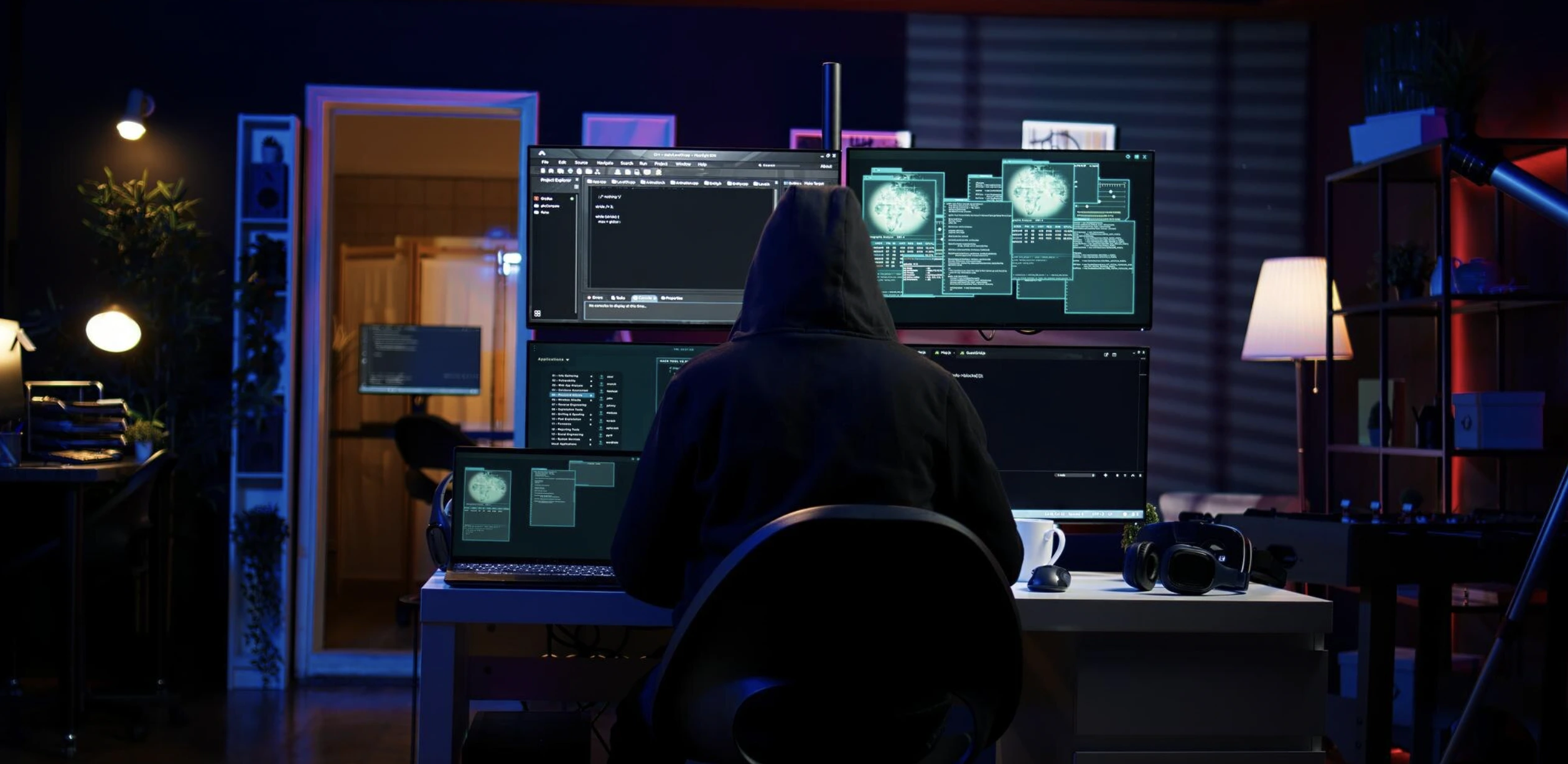
Image by DC Studio, from Freepik
Hackers Exploit SVG Files For Stealthier Phishing Attacks
- Written by Kiara Fabbri Former Tech News Writer
- Fact-Checked by Sarah Frazier Former Content Manager
Hackers exploit SVG files in phishing emails, embedding fake forms or malware links. These files evade detection by security software, making rare SVG attachments suspicious and potentially dangerous.
In a Rush? Here are the Quick Facts!
- SVG files can include phishing forms to steal login credentials from unsuspecting users.
- Some SVG attachments disguise malware links as official documents or requests.
- Security software often struggles to detect malicious SVG files due to their text-based nature.
According to a report by BleepingComputer (BC), MalwareHunterTeam has identified additional threat actors exploiting Scalable Vector Graphics (SVG) attachments to carry out more covert phishing or malware attacks.
The cybersecurity researchers have identified a growing trend among hackers exploiting SVG files to bypass security systems and conduct phishing attacks. These files, which often appear harmless, are being used to deliver malware or trick users into sharing sensitive information, says BC.
BC explains that SVG files differ from typical image formats like JPG or PNG, which use pixels to create images. Instead, SVG files rely on lines, shapes, and text described through code. This allows them to resize without losing quality, making them widely used in web applications.
However, the same qualities that make SVG files versatile also make them attractive to cybercriminals, as noted by BC.
Hackers are embedding SVG files in phishing emails to launch attacks in creative and deceptive ways. Security researcher MalwareHunterTeam, who analyzed recent campaigns, found that some SVG files include phishing forms that mimic legitimate login pages, as reported by BC.
For example, one instance displayed a fake Excel spreadsheet with a login form. When users entered their credentials, the information was sent directly to the attackers.
BC explains that other SVG files are disguised as official documents or forms, encouraging users to click on links that lead to malware downloads. In some cases, opening the SVG file triggers embedded JavaScript, which redirects the user’s browser to a phishing website designed to steal personal information.
These tactics are effective partly because SVG files often evade detection by security software. Since they primarily consist of code representing an image, they can appear harmless to antivirus tools.
According to samples analyzed by BleepingComputer, most SVG attachments flagged as malicious were detected by only one or two security systems.
While receiving an SVG attachment in an email is uncommon for most users, it’s important to exercise caution. Unless you are expecting such a file from a trusted source, such as a developer or designer, it’s best to delete any email containing an SVG attachment.
Remaining vigilant and skeptical of unfamiliar attachments can help protect against these increasingly sophisticated phishing techniques. As attackers continue to refine their methods, staying informed and cautious is critical to avoiding potential threats.
